
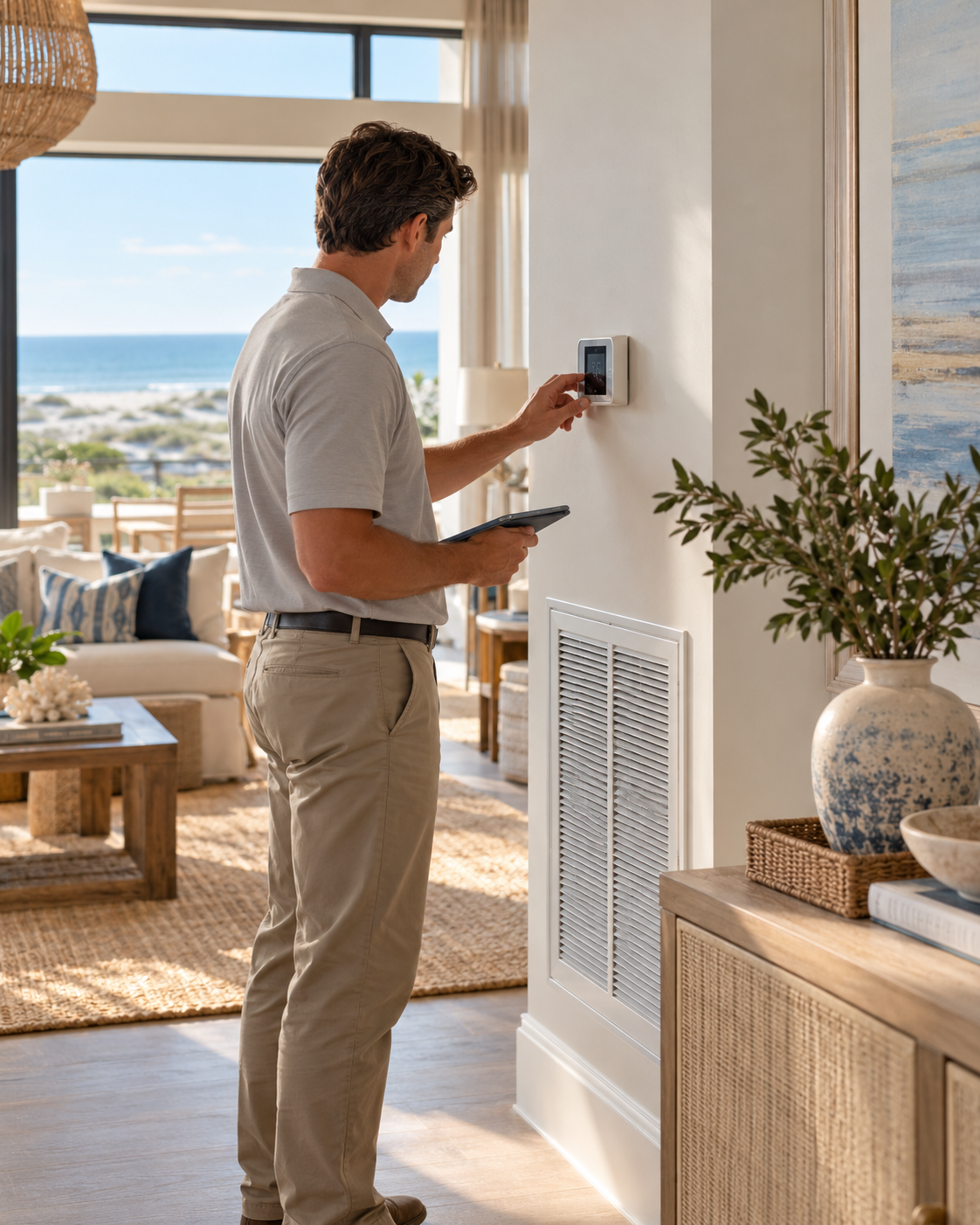
Fan on AUTO sounds like a small instruction. In an unoccupied coastal home, it belongs in the written care plan because fan mode changes when the indoor blower runs—and that can affect how the cooling system manages moisture between visits.
AUTO and ON Do Different Jobs
On many conventional central systems, AUTO runs the indoor blower when the thermostat calls for heating or cooling, then stops it after the cycle. ON keeps the blower operating continuously, even when the outdoor cooling equipment is not actively cooling.
That difference is easy to miss when someone is closing the house quickly. The thermostat may still show the expected temperature, while the fan selector has been left in a different mode.
Why the Off-Cycle Matters in a Humid Climate
During a cooling cycle, moisture can collect on the indoor coil and drain away through the system. In some conventional systems, continuous blower operation after the compressor stops can move air across the wet coil and return some of that moisture to the conditioned space.
AUTO is therefore a sensible starting point for many coastal homes, but it is not a universal prescription. Variable-speed equipment, dedicated dehumidifiers, ventilation controls and manufacturer-specific settings may operate differently. The vacancy plan should follow the guidance of the qualified HVAC professional who knows the home and its equipment.
Put Fan Mode on the Property-Watch Route
A repeatable property-watch visit should document the settings the owner has authorized rather than rely on memory. The purpose is to notice visible or displayed changes and communicate them—not to diagnose the HVAC system.
- Confirm the thermostat is in the authorized operating mode
- Record the displayed temperature and relative humidity when available
- Confirm the fan setting matches the written plan
- Note visible alerts, blank screens or unexpected schedule changes
- Observe accessible vents, return grilles and drain areas for visible concerns
- Photograph the display without capturing private access information
Do Not Change Settings by Guesswork
Lowering the temperature, switching fan modes or overriding a smart thermostat may seem like a quick response to a warm or sticky house. It can also mask the condition the HVAC professional needs to evaluate or conflict with the owner’s equipment plan.
If a reading or visible condition falls outside the owner’s agreed parameters, the care provider should document what is displayed, notify the owner and follow the authorized escalation process. Repairs, refrigerant questions, drainage problems, electrical concerns and equipment performance belong to a qualified HVAC professional.
Remote Access Does Not Replace a Local Look
A connected thermostat can be useful, but a successful app connection does not show every condition inside the home. It may not reveal a visible drain concern, staining near a vent, an unusual odor, a tripped breaker or a room that feels different from the displayed reading.
Local visual observations and remote monitoring work best as complementary tools. One provides the displayed data; the other documents what is visible at the property at that time.
Make the Small Setting Part of the Plan
The practical takeaway is simple: do not leave fan mode to chance. Record the HVAC professional’s recommended vacancy settings, identify who may change them and include verification in the home’s arrival, departure and property-watch checklists.
Fan on AUTO may be one line in the plan. For a home that sits closed between visits, that line is worth checking every time.
Frequently Asked Questions
Should every coastal home use fan mode AUTO?
AUTO is a common starting point for conventional systems, but equipment and humidity-control designs vary. Follow the manufacturer’s instructions and the qualified HVAC professional’s recommendations for the specific home.
What is the difference between fan ON and AUTO?
On many systems, AUTO runs the indoor blower during a heating or cooling call. ON keeps the blower operating continuously, including between cooling cycles.
Can continuous fan operation increase indoor humidity?
In some conventional cooling systems, continuous airflow across a wet indoor coil during an off-cycle can return moisture to the air. System design and control settings matter, so a qualified HVAC professional should evaluate the home.
What should a property-watch visit document?
The agreed route may include the thermostat mode, fan setting, displayed temperature and humidity, visible alerts and observable conditions around accessible vents and drain areas.
Can Coastal Property Care adjust the thermostat remotely?
Only when remote access and specific settings are authorized in the written care plan. Diagnosis, repair and equipment programming remain the responsibility of the appropriate qualified professional.